Real client
Design agency: proposals, sign-offs and payments now update one CRM
A design agency took proposal, design and support requests through different website forms. Each form now finds or creates the client in Airtable, saves the files and emails the right team. Bookings and Stripe payments update the same record.
Read the transcript
This is just for one company, all of these workflows, and we are automating everything in that business. We have different forms on the website, and based on the form type, different workflows trigger, either it is a proposal request, either it is a design request, or either it is a support ticket. First we check in Airtable either that client exists or not. If that client exists, their record is updated. If it is a new client, we create a new record Attachment expire after a certain time, so we download it, upload it again onto the Airtable to maintain the record. These requests are forwarded to different emails, different team departments, There is a master table to handle all of the clients in a central place and then there are different tables for each department so that they can track their request accordingly. This one is here to handle the meetings. Once the meeting is booked they are forwarded to particular calendar either the owner want to handle the meeting or either you want to forward it to your team calendar and also the records are updated on Airtable This is for payment confirmation, Stripe workflow. Whenever someone makes a payment on Stripe, this workflow will trigger. Based on either it is a card payment or bank payment, and we will get the confirmation email.
- Trade
- Design agency
- Tools
 n8n
n8n Airtable
- Stripe
- calendar routing
Before and after
A client signed off a design in one tool and paid in another, and the CRM heard about neither.
| Before | After | |
|---|---|---|
| Sign-off and payment | Signed off in one tool, paid in another, CRM heard about neither | Both update the same client record |
What we built
- A flow per form. Proposal request, design request, support ticket, expansion and Figma sign-off each start their own flow.
- New or existing client. It checks Airtable. An existing client is updated. A new one gets a record.
- Meetings on the right calendar. Bookings go to the owner's calendar or the team calendar.
- Payments confirmed. A card or bank payment in Stripe sends a confirmation and updates the record.
- Cold-email replies matched. Replies are matched to the client table and logged.
How it works
- A client sends a proposal, design, support or sign-off formWebsite forms
- The flow routes it by form type and finds or creates the clientn8n, Airtable
- Files are saved before the links expire and the right team is emailedn8n, Gmail
- Bookings and payments update the same client recordGoogle Calendar, Stripe
What broke and how we fixed it
What broke
Files attached to the website forms expired after a while.
How we fixed it
Each file is downloaded and saved to the client record before the link expires.
Forms, bookings and payments in different places?
Tell us which forms you use and where your client list lives.
Or send one sample file on WhatsApp (opens WhatsApp). Fake names are fine.
We reply within one business day. No card, no contract.
More builds like this
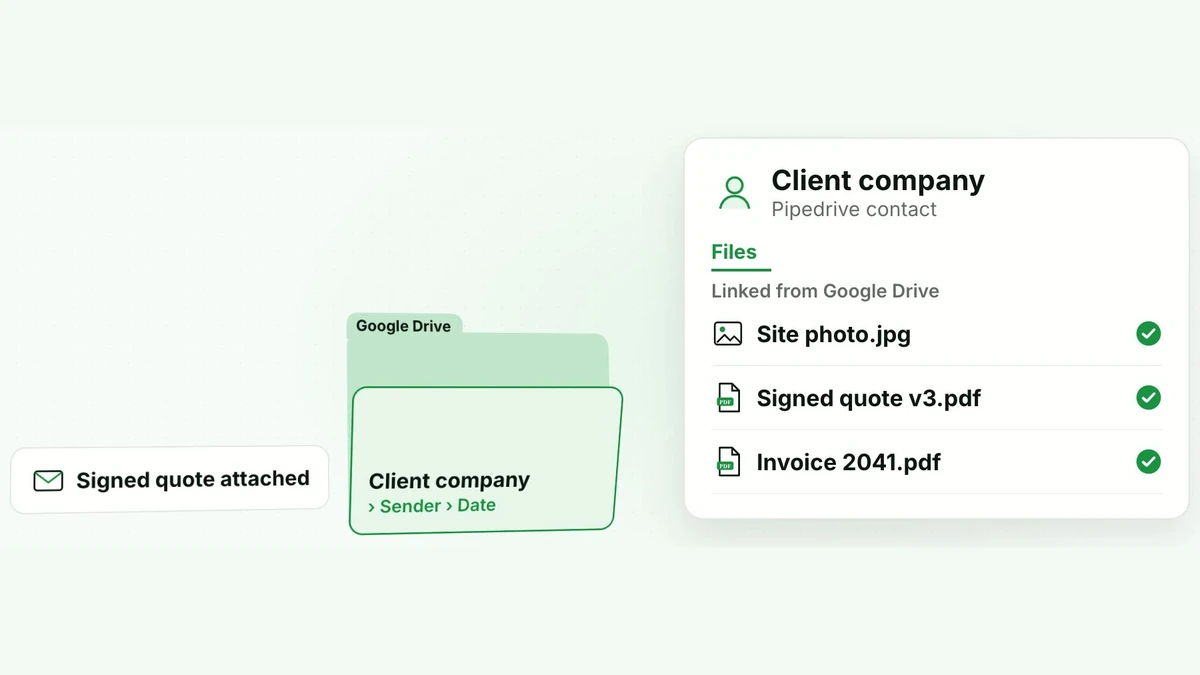
Clients sent files and photos by email, and they stayed buried in threads.
 Has a video, 1 minute 10 secondsRebuilt on test data
Company on Pipedrive
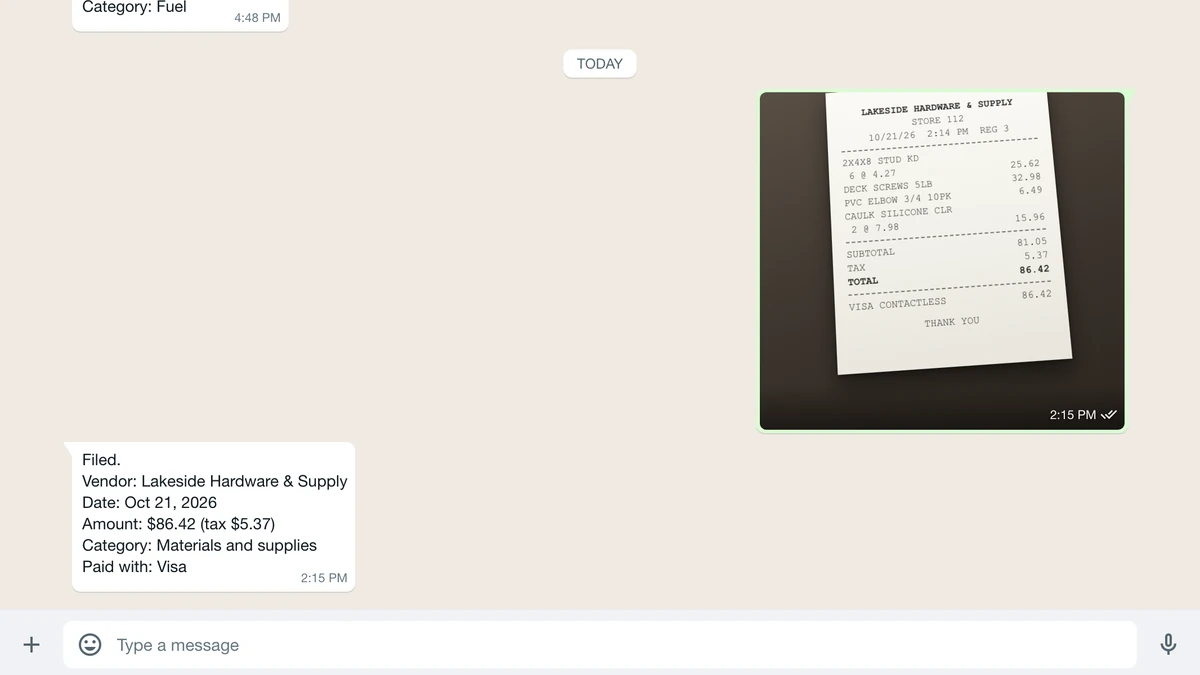
Every receipt was photographed, then typed in by hand later.
 Rebuilt on test data