Real client
Files clients email now land on their Pipedrive contact, CCs included
A company runs its client work over email, with a lot of files and photos in the threads. Each attachment now goes to the right Drive folder and onto every Pipedrive contact on the email, CCs included.
Read the transcript
What this automation does is it's built for a company that does a lot of all of their communication through email and they send a bunch of files and images in their emails and want those files and images to be attached to their CRM. So whenever there is an outbound or inbound Gmail, it applies a bunch of filters to see whether it fulfills the condition. There is code that makes an array of all of the senders and all of the CC contacts. Like if the client exists in the sender, in the receiver, or if it exists in the CC, it will pick that up, search that person in their CRM. They are using Pipedrive to keep their CRM and based on that condition, what type of client they have, whether they have a business name or not, it will branch off into different fields where that file will be uploaded to a Google Drive. This automation ensures that the file goes to the correct folder and is associated with the contact on their CRM, Pipedrive.
- Trade
- Company on Pipedrive
- Client since
- Sep 2025
- Built in
- Delivered about Sep 2025
- Tools
 n8n
n8n- Gmail
- Pipedrive
- Google Drive
 Google Sheets
Before and after
Clients sent files and photos by email, and they stayed buried in threads.
| Before | After | |
|---|---|---|
| Emailed files | Buried in old threads | Filed on the Pipedrive contact, CCs included |
What we built
- Only emails with files. Inbound and outbound Gmail, only messages that carry a file.
- Skips the thank-yous. "Thanks" and "ok" replies are dropped before anything is filed.
- Folders found or made. Business, then sender and date, in the Drive that Pipedrive links to.
- Logged. Each upload is written to a log sheet.
How it works
- An email with files arrivesGmail
- Thank-you replies are skipped; every sender, receiver and CC is looked upn8n, Pipedrive
- Files go to a business, sender and date folderGoogle Drive
- Each file is loggedGoogle Sheets
What broke and how we fixed it
What broke
One email can matter to three contacts: the sender, the receiver and a CC.
How we fixed it
Every person on the email is looked up in Pipedrive, and the file goes on each of their records.
Client files buried in the inbox?
Tell us which CRM you use and where files should end up.
Or send one sample file on WhatsApp (opens WhatsApp). Fake names are fine.
We reply within one business day. No card, no contract.
More builds like this
A client signed off a design in one tool and paid in another, and the CRM heard about neither.
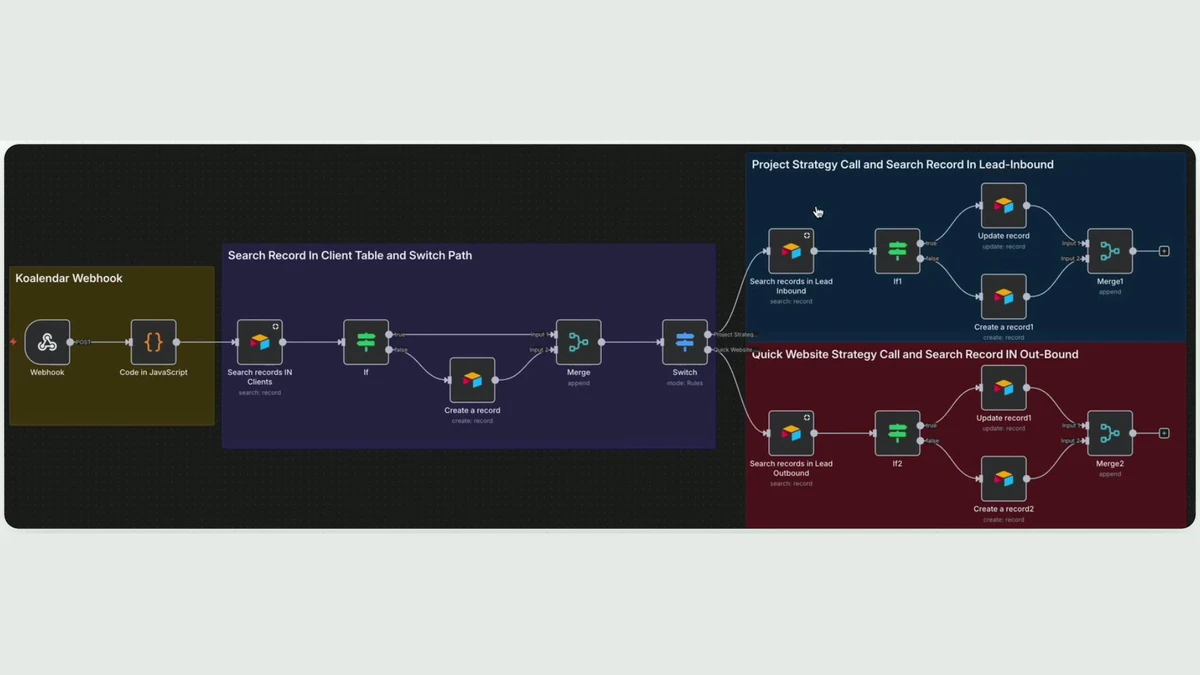 Has a video, 1 minute 20 secondsReal screen, names boxed
Design agency
Every receipt was photographed, then typed in by hand later.
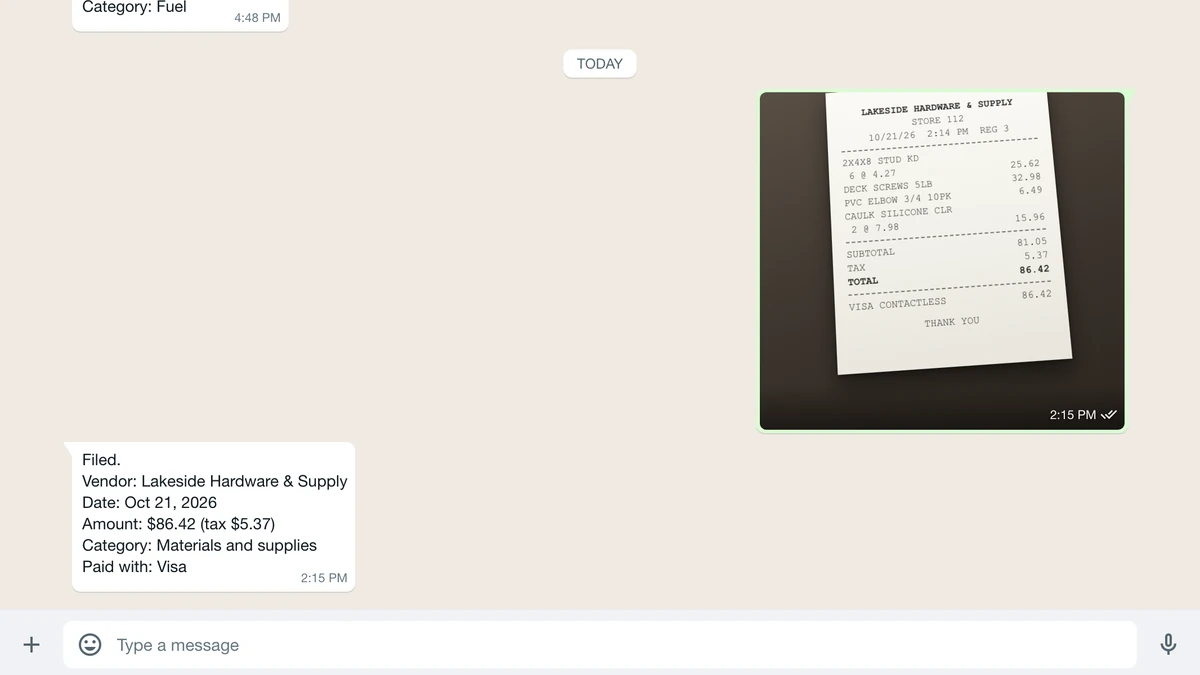 Rebuilt on test data