Corporate AI training, Pakistan
AI training your staff will use on Monday.
On-site or online. In Urdu and English.
For banks, transport, NGOs, software houses and government teams.
Last run: Orange Line Metro, Lahore, 30 Jun to 2 Jul 2025.
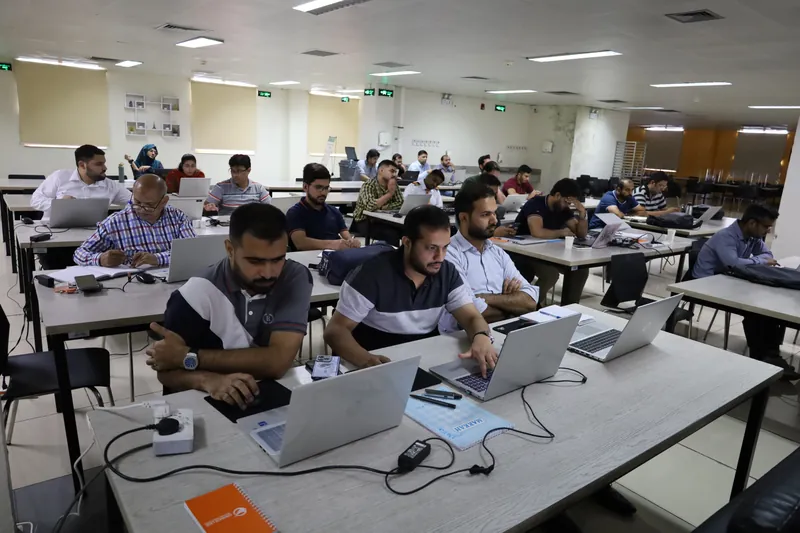
Your process first. Then the tool.
We start with how your team works today.
Then we pick the tool that fits, and tell you why.
Then we show the problem it solves and where the work gets faster.
Basics to advanced. We cover it end to end.
Sessions we have run.
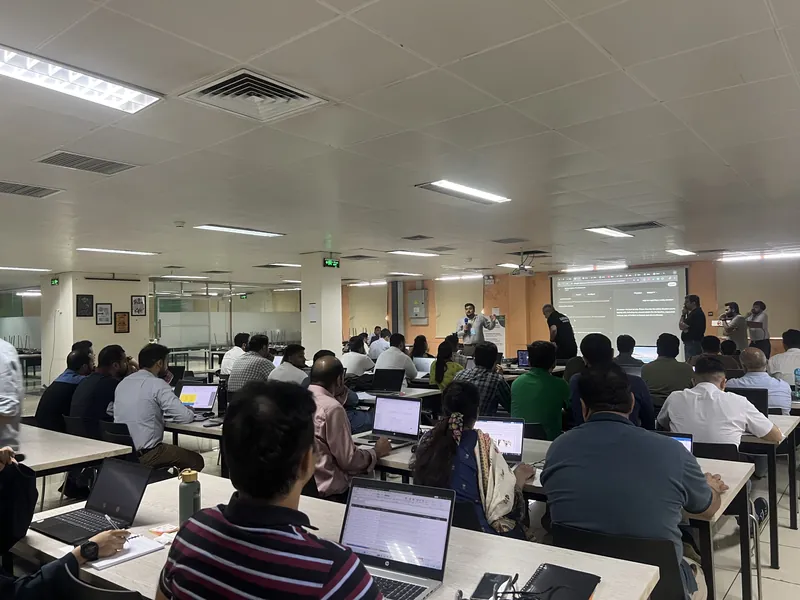
Orange Line Metro, Lahore
- On-site. 30 Jun to 2 Jul 2025.
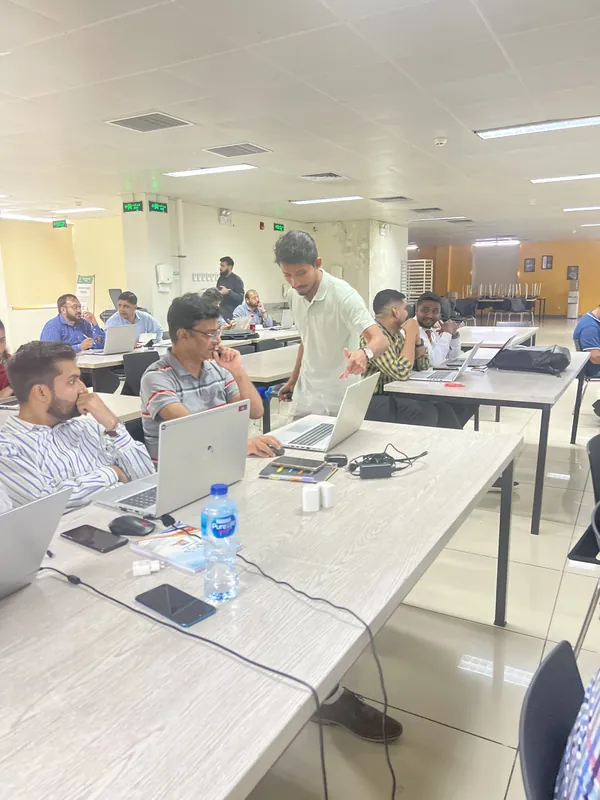
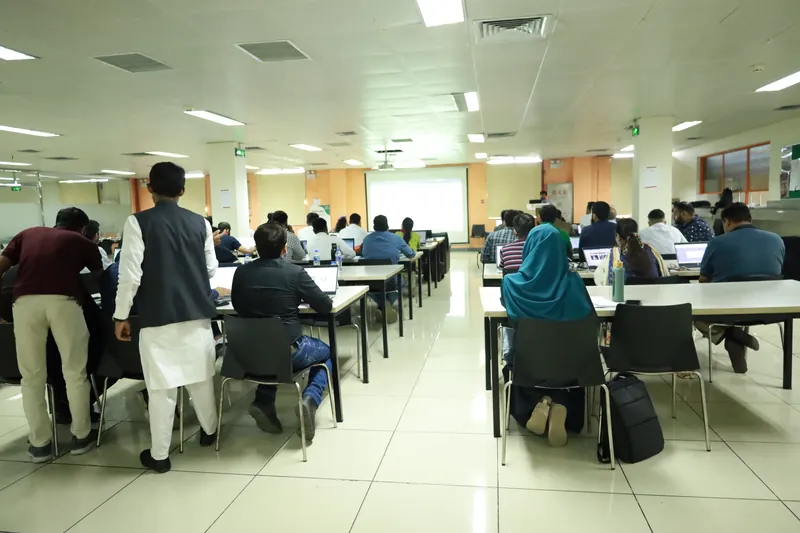
- Staff worked on laptops with real AI tools. Certificates at the end.
- Covered no-code tools, department automation, private AI, an SOP chatbot and computer vision.

“Women & the Future of AI”
Digital Galaxy
- Online. 26 Sep 2026. Taught in Urdu.
- Hosted by Sadia Zeeshan.
Pick the track for each group.
Most organisations need two of these. Some need all three.
Leaders
- Where AI fits in your organisation.
- What staff may use, and what stays out.
- Which tasks to try first, and how to check they worked.
Usually modules 1 and 2. About a day in total.
Office and operations staff
- Letters, replies, minutes and reports, faster.
- Excel, Sheets and the monthly MIS with AI help.
- Small tools for your own department, with no coding.
Usually modules 1, 3, 4 and 5.
IT and data teams
- Automations each department can run.
- AI on your own servers, with your data kept inside.
- A chatbot for SOPs and staff training. Computer vision basics.
Usually modules 1, 6, 7 and 8. Module 9 on request.
n8n, Make, AI models on your own machines.
Nine modules. Basics to advanced.
Start where your team is. We check needs first, then build the programme from these modules.
Every exercise uses tasks from your own office.
Level 1Foundations
Module 1: Safe AI at work
For: Everyone
Know what never goes into a public AI tool. Check an answer before using it. Draft letters, replies and minutes in Urdu and English.
Half day
Module 2: For managers: where AI fits
For: Leaders and department heads
Pick three tasks to try. Agree how to measure them. Write the team's AI-use rule.
2 hours
Level 2Department tools
Module 3: Excel and Google Sheets with AI
For: Office, finance and operations staff
Get a formula by asking for it. Clean and merge sheets. Set up the monthly sheet once.
Full day. Laptops.
Module 4: Reports and MIS
For: Finance, operations and data teams
Build the daily MIS from raw files. Make a simple dashboard. Let AI write the summary line.
Full day. Laptops.
Module 5: Build your own tools, no coding
For: Any department
Make a small tool your department uses every day. No coding needed. Anyone on the team can use it.
Covered at Orange Line Metro
Set after the needs check
Level 3Automation
Module 6: Automate your department's routine work
For: Each department, with its own set of tools
Map one routine task. Pick the tool that fits it. Build the automation and run it.
Covered at Orange Line Metro
Set after the needs check
Level 4Private AI
Module 7: Private AI on your own servers
For: IT teams, and any department that handles sensitive data
Run AI on your own computers or servers. Your data stays inside your organisation.
Covered at Orange Line Metro
Set after the needs check
Level 5Advanced
Module 8: A chatbot for your SOPs and staff training
For: IT with HR or training teams
Load your SOPs and manuals. Staff ask it questions and get the answer with the page it came from. New staff learn from it.
Covered at Orange Line Metro
Set after the needs check
Module 9: Computer vision and its uses
For: IT, operations and leaders
See what a computer vision model can pick out in a photo or a video. Find the uses that fit your work.
Covered at Orange Line Metro
Set after the needs check
Tools we use include ChatGPT, Claude, NotebookLM, Excel, Google Sheets and Power BI. No-code tools for module 5. n8n and Make for automation. AI models that run on your own machines for module 7. We use the tools your organisation already allows.
Safe AI with your company’s data.
- Many staff already use ChatGPT on their phones.
- The risk is what they paste into it.
- Module 1 covers this for everyone.
- The session ends with your team’s own AI-use rule sheet.
- Your IT and compliance people help write it.
Our AI-use rules
- 1.Use only the AI accounts our organisation approves.
- 2.Never paste customer names, CNIC numbers, account numbers or phone numbers into a public AI tool.
- 3.Never paste passwords, keys or links to internal systems.
- 4.Remove names and numbers before you ask AI for help with a document.
- 5.Read every AI answer before you use it. You own the result.
- 6.Check every figure, date and rule against the source.
- 7.A person reads every letter before it goes to a customer.
- 8.Not sure? Ask (blank: name of your AI lead) before you paste.
From first call to the last day.
Step 1
Needs check.
We talk to you. Your staff fill a short form. What do they do every day? Which tools are they allowed?
Step 2
Design.
We pick the modules and build exercises from your real tasks. You get the outline to approve.
Step 3
Deliver.
On-site or online. Laptops open. Every person tries each task.
Step 4
After the session.
You keep the rule sheet and the certificates.
On-site, online, or both.
- On-site
- Lahore and Islamabad. Your training room, or our office in G-13, Islamabad.
- Online
- Microsoft Teams or Zoom.
- Blended
- A short online kick-off, then a hands-on day on-site.
- Timings
- Weekdays, evenings or weekends. Staff who cannot leave the counter can join after hours.
- Length
- From a 2-hour session to a full programme across levels.
- Batch size
- 20 to 30 people. Bigger teams run in batches.
- Laptops
- One per person for the hands-on modules. The managers module needs none.
- Language
- Urdu, English, or both.
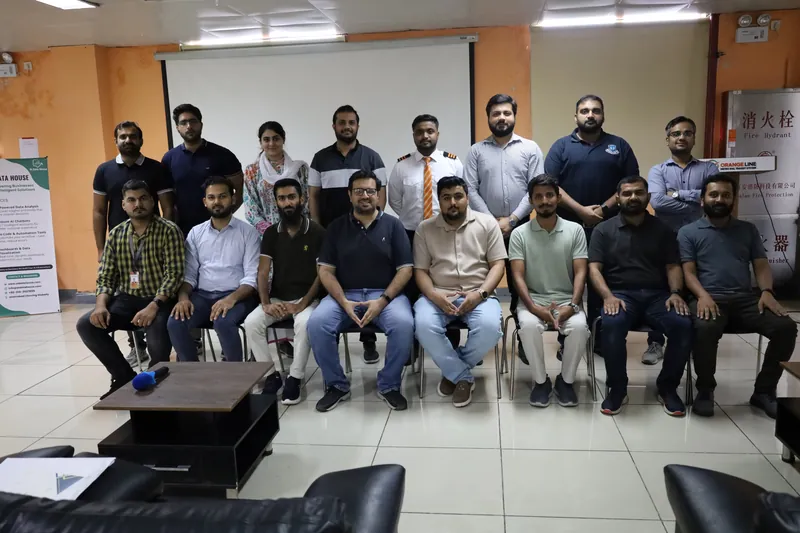
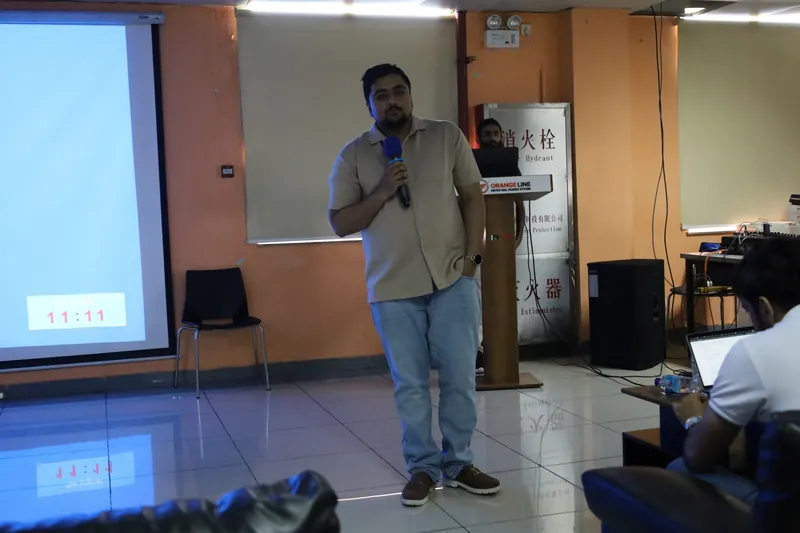
Inside the Orange Line Metro session, Lahore.
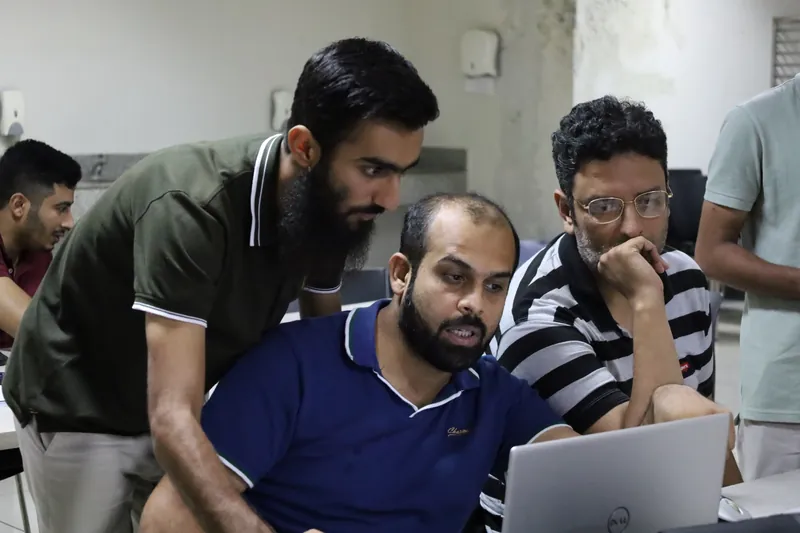
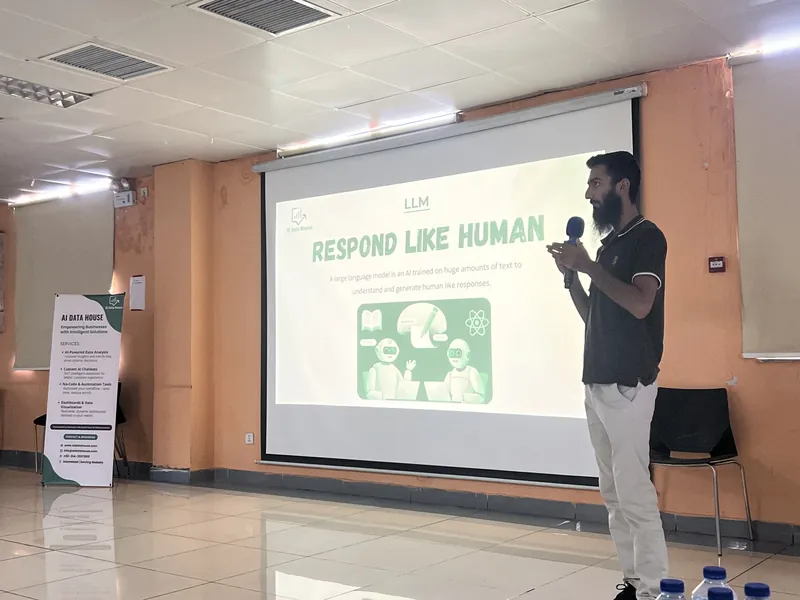


What people said after the session.
Messages from the Digital Galaxy session, 26 Sep 2026, as they were posted. Phone numbers hidden.
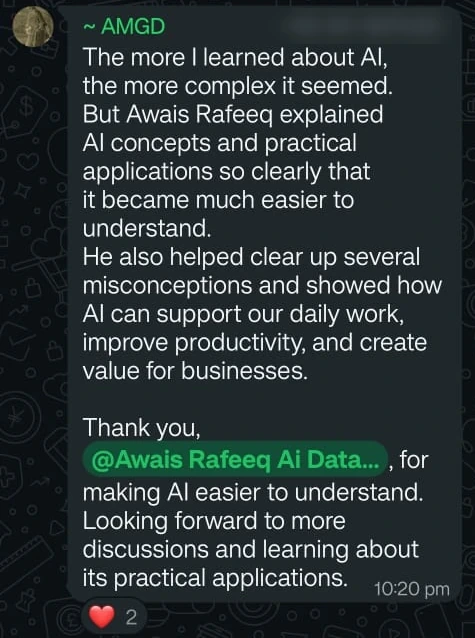
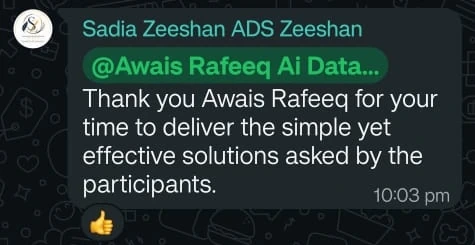
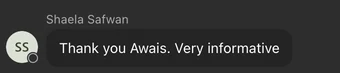
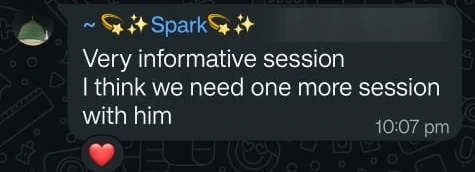
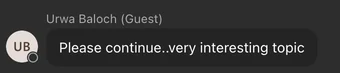
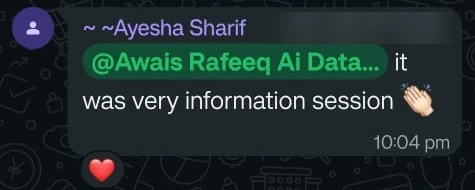
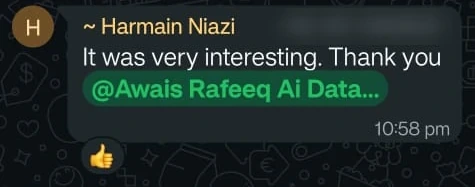

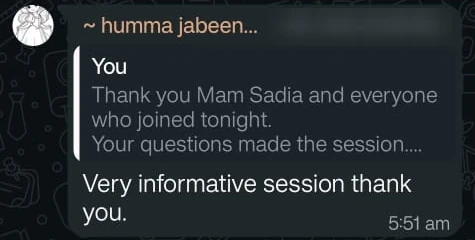
Digital Galaxy session, 26 Sep 2026
What clients say about how Awais explains.
Screenshots of the reviews. Open one to see it on the page where it was posted.
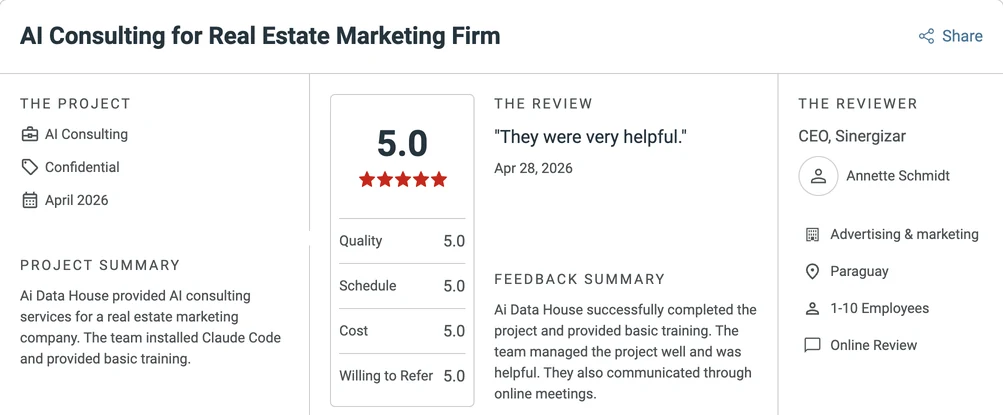
Clutch, Apr 28, 2026See it on Clutch 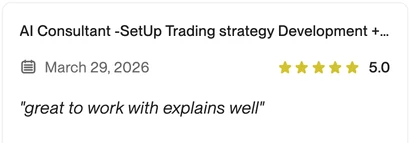
Upwork, Mar 29, 2026See it on Upwork 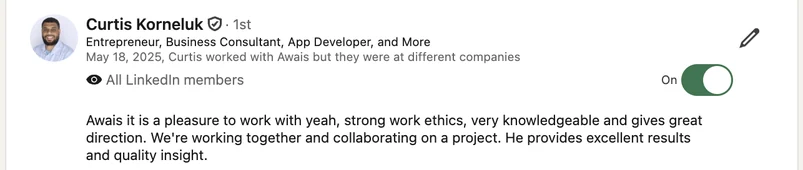
LinkedIn, May 18, 2025See it on LinkedIn

Your trainer.
Awais Rafeeq
Founder and CEO, AI Data House, Islamabad.
He started on Upwork as a data analyst.
Since 2022 his team has delivered 500+ projects for businesses in the US, UK and Middle East.
He has trained two batches of students.
He hired people from those batches into his own team for data analysis and AI work.
Many businesses come to him for advice on business process automation and data analytics.
He teaches in Urdu and English.
He trained staff at Orange Line Metro, Lahore.
He also hosts the Awais Rafeeq Show.
Trained by us. Then hired.
These people came through our student batches. They talk about the training in their own words.
Mahnoor Malik
Muhammad Dawood
Trained in our batch, then joined our team as an AI developer.
Uzair Razzaq
Trained in our batch, then joined our team as a project manager.
Request a training proposal.
Tell us about your team. We send a written outline.
The next page is a short form. It does not book a session or commit you to anything.
We reply within one business day.
Or email awais@aidatahouse.com.
Questions we get.
Is this only for banks?
No. We train any team that writes, reports or answers customers. Banks, transport, NGOs, software houses and government teams.
Which language do you teach in?
Urdu, English, or both. Slides are usually in English. The talk is in whatever your staff are most comfortable with.
Do staff need laptops?
For the hands-on modules, yes. One per person works best. The 2-hour managers module needs none.
Do people get a certificate?
Yes. Each person gets an AI Data House certificate of completion. It is our own certificate.
Can we record the session?
We can arrange this. Ask us when you request a proposal.
How many people per batch?
20 to 30. For a bigger team we run more batches.
Online or on-site, which is better?
On-site works best for hands-on days. Online works well for short sessions and teams in many cities. Blended does both.
Can you use our own data in the exercises?
We build exercises from your real tasks. Where real customer data is involved, we use sample or cleaned copies.
What happens to our data during training?
No customer data goes into a public AI tool. We only use accounts your organisation approves. Module 1 and the rule sheet cover this for every person.
How much does it cost?
It depends on the modules, the length, the format and the city. After the needs check you get a written proposal with the fee per batch.