Real client
Instagram coach sees each lead from first DM to paid
An Instagram coach had leads in DMs, calls in Calendly and payments in Whop. We joined them in one Google Sheet, so each lead's row shows if they booked, showed up and paid.
- Trade
- Instagram coach
- Tools
- ManyChat
 Calendly
- Whop
 Google Sheets
- Apps Script
Before and after
Leads in DMs, bookings in Calendly, payments in Whop. Nobody could see where people dropped off.
| Before | After | |
|---|---|---|
| Funnel | DMs, Calendly and Whop with no joined view | One sheet shows booked, showed and paid per lead |
What we built
- DMs in. ManyChat sends each Instagram lead to the sheet with the date and name.
- Bookings matched. Each Calendly booking lands on the same lead's row.
- Payments matched. Each Whop payment lands on the same lead too.
- One dashboard. Leads, booked, showed up and paid, counted on one screen.
- In their own sheet. Google Sheets and Apps Script. Each source keeps its own tab.
How it works
- A lead comes in from an Instagram DMManyChat
- The booking is matched to the leadCalendly
- The payment is matched to the leadWhop
- One dashboard shows leads, booked, showed and paidGoogle Sheets, Apps Script
Leads in your DMs and no idea who paid?
Tell us where leads, bookings and payments live. We will show you how they join on one row.
We reply within one business day. No card, no contract.
More builds like this
He had an idea, a holographic display and a funding round coming. The next round wanted to see it work.
He took a working trainer into his funding rounds. It corrects yoga poses live and scores dance steps in order, all on the device, with no internet needed.
AI fitness startup
Deals came in from email, feeds, partners and Facebook. Each address was checked by hand.
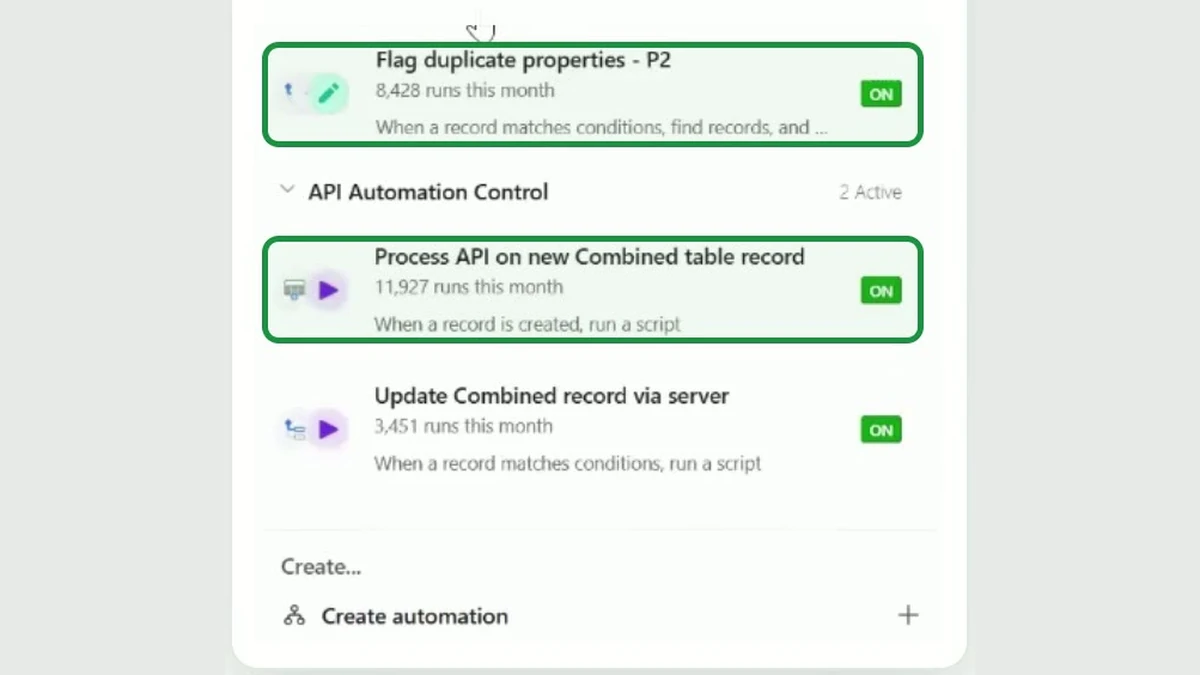 Has a video, 52 secondsReal screen, names boxed
Real estate investors