Real client
Benefits agency: carrier commission files land under the right headers
A benefits agency got commission statements from several carriers, each with its own column names. A menu inside their sheet matches each file's columns to the master headers and asks only for what the file left out.
Read the transcript
[No voice-over] Commission statements land in the master sheet. A statement file has to land under the master sheet's headers. One new menu inside the master sheet: CSV Import. Step 1: drop in the carrier file. Step 2: the columns are matched by name. Each column goes under the header with the same name. You check. Done: 9 rows in, starting at row 2. The rows land under the right headers. Step 3: fill in what the file left out, or leave it blank. Run again: one missing value typed in, then 9 more rows from row 11. Added under the last row: rows 11 to 19. Commission statements land in the master sheet.
- Trade
- Benefits agency
- Tools
 Google Sheets
- Apps Script
Before and after
Each carrier file had its own columns, and one column off meant a wrong commission.
| Before | After | |
|---|---|---|
| Carrier files | Pasted in by hand, each with its own columns | Columns matched to the master headers by name |
| Missing fields | Found later, if at all | Asked for before the rows are added |
What we built
- One menu in the sheet. A CSV Import menu inside Google Sheets. Four steps, no sheet skills needed.
- Matched by name. Each column is matched to a master header. The screen marks every match in gold.
- Change any match. A dropdown sets a column by hand when a carrier names it differently.
- Fills the gaps. A short form asks for fields the file did not carry.
- New rows marked. Rows go under the last one, highlighted.
How it works
- The office drops in a carrier's statement fileSheets menu (Apps Script)
- Columns are matched to the master headers by name, shown in goldApps Script
- It asks only for fields the file did not carryApps Script
- New rows go under the last one, markedGoogle Sheets
What broke and how we fixed it
What broke
Each row carries a broker ID and a policy number. A column one place off pays the wrong agent.
How we fixed it
Columns are matched by header name, and every match shows before a row is added.
Still pasting commission statements by hand?
Tell us which carriers send files and how your master sheet is laid out.
Or send one sample file on WhatsApp (opens WhatsApp). Fake names are fine.
We reply within one business day. No card, no contract.
More builds like this
Order emails landed while he was out on inspections, and the accept link waited.
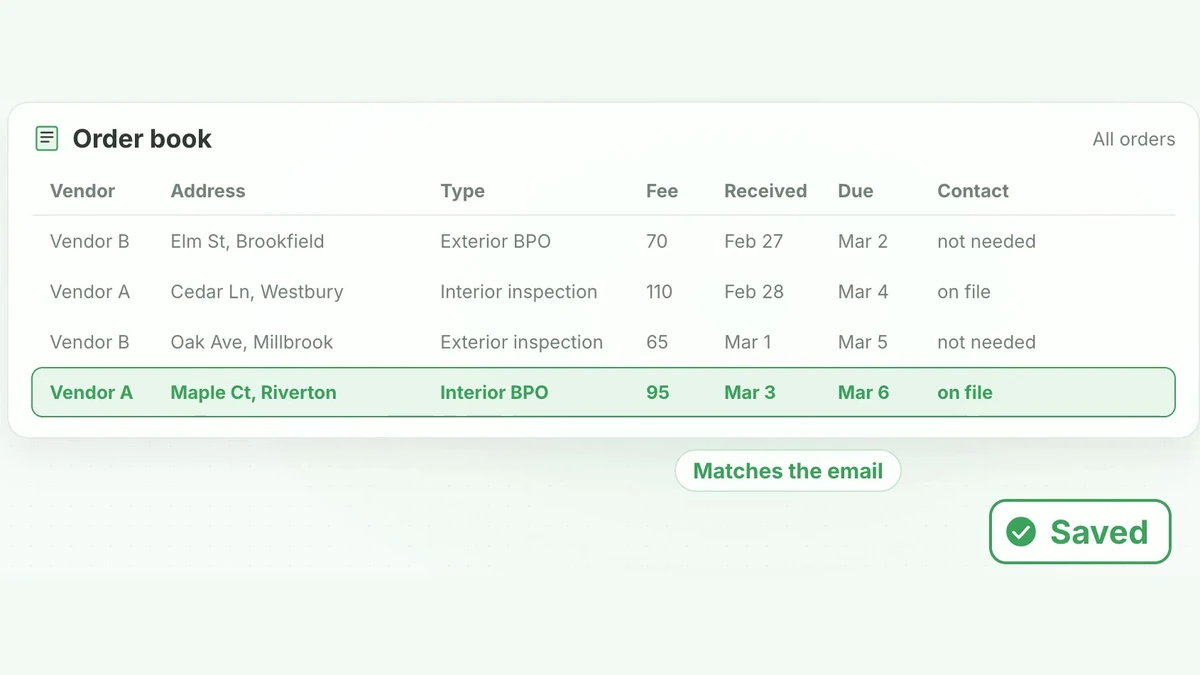 Has a video, 1 minute 8 secondsRebuilt on test data
Property inspector
Every new project meant a numbered folder and the same subfolders, made by hand, branch by branch.
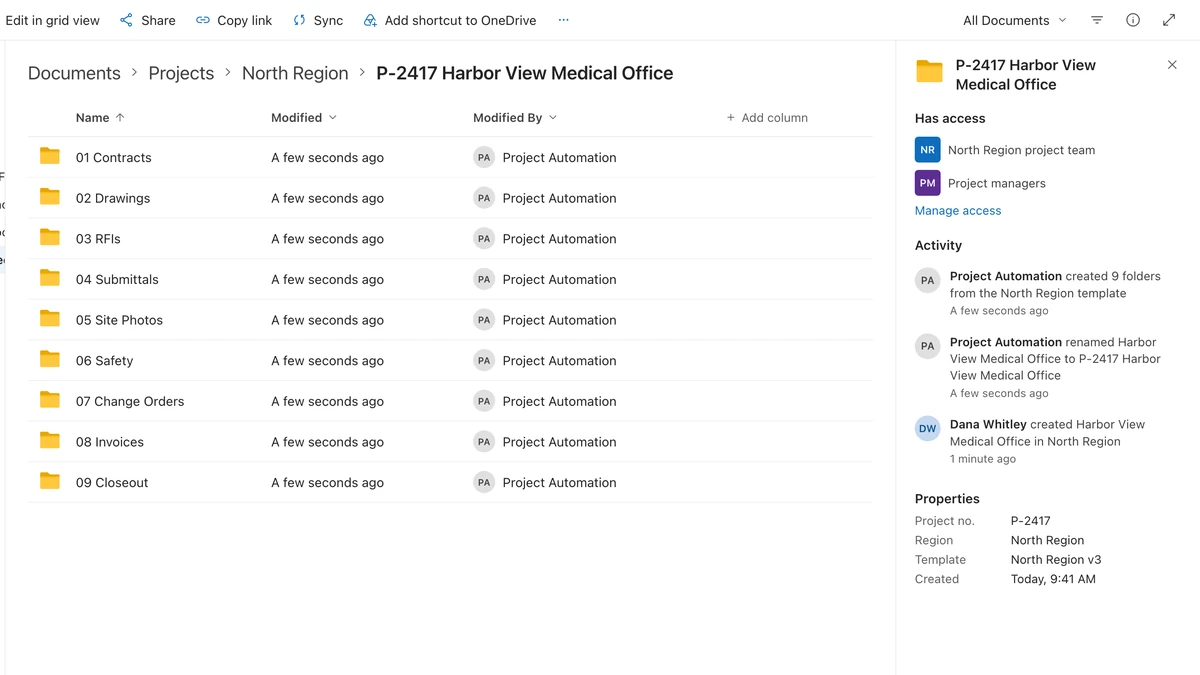 Rebuilt on test data
Under a minuteto number a new project folder and build its full subfolder treeDelivered build, client sign-off May 2026
Construction firm