Real client
Construction firm: project folders ready in under a minute
Staff at a construction firm built every project folder tree by hand. Now a new folder in SharePoint gets its project number and the full subfolder tree in under a minute.
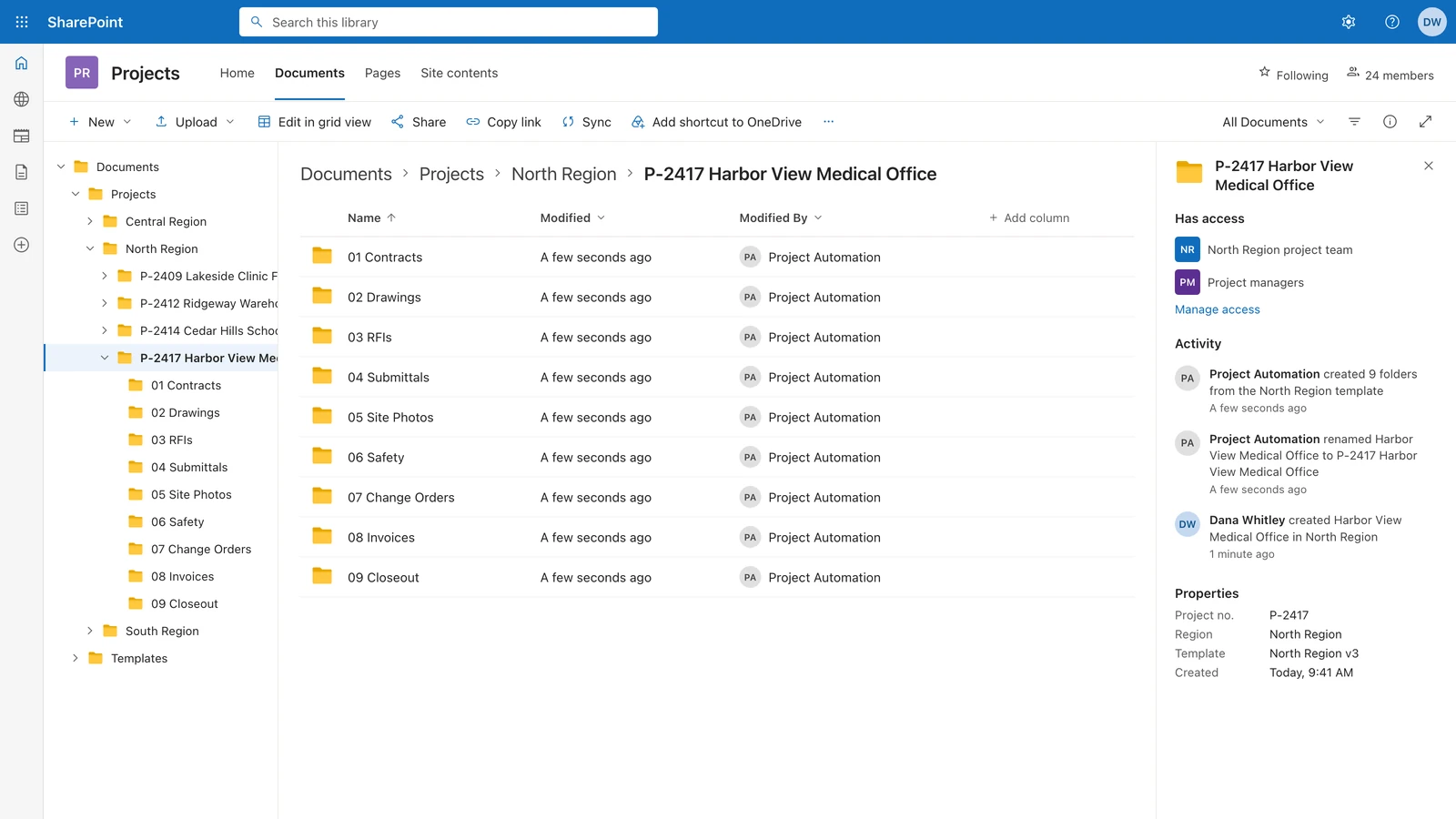 Rebuilt on test data
- Trade
- Construction firm
- Client since
- May 2026
- Repeat work
- Came back for three more jobs, Jul to Sep 2026.
- Built in
- First version the next day, full tree after one round of feedback (May 2026); three more jobs Jul to Sep 2026
- Built by
- Automation developer, later a PM
- Tools
- Power Automate
- SharePoint
Before and after
Every new project meant a numbered folder and the same subfolders, made by hand, branch by branch.
| Before | After | |
|---|---|---|
| New project folder | Number and the same subfolders made by hand | Number and full tree in under a minute |
What we built
- A unique number. Make a folder and it gets the next project number.
- The full tree. Every subfolder copied from a master template, in under a minute.
- Branch permissions. Each branch tree keeps its own access.
- Group folders. Added later, on the same flow.
How it works
- Staff create a project folderSharePoint
- The flow gives it the next project numberPower Automate
- The full subfolder tree is copied from the region's master templatePower Automate
- The region's permissions are appliedSharePoint
What broke and how we fixed it
What broke
When many folders were made at once, some subfolders did not appear.
How we fixed it
We fixed the flow's timing so every folder gets its full tree, even under load.
The result
Under a minute to number a new project folder and build its full subfolder tree
Source: Delivered build, client sign-off May 2026
Still building project folders by hand?
Tell us how you set up a new project folder today. We will show you how it builds on its own.
Or send one sample file on WhatsApp (opens WhatsApp). Fake names are fine.
We reply within one business day. No card, no contract.
More builds like this
Every receipt was photographed, then typed in by hand later.
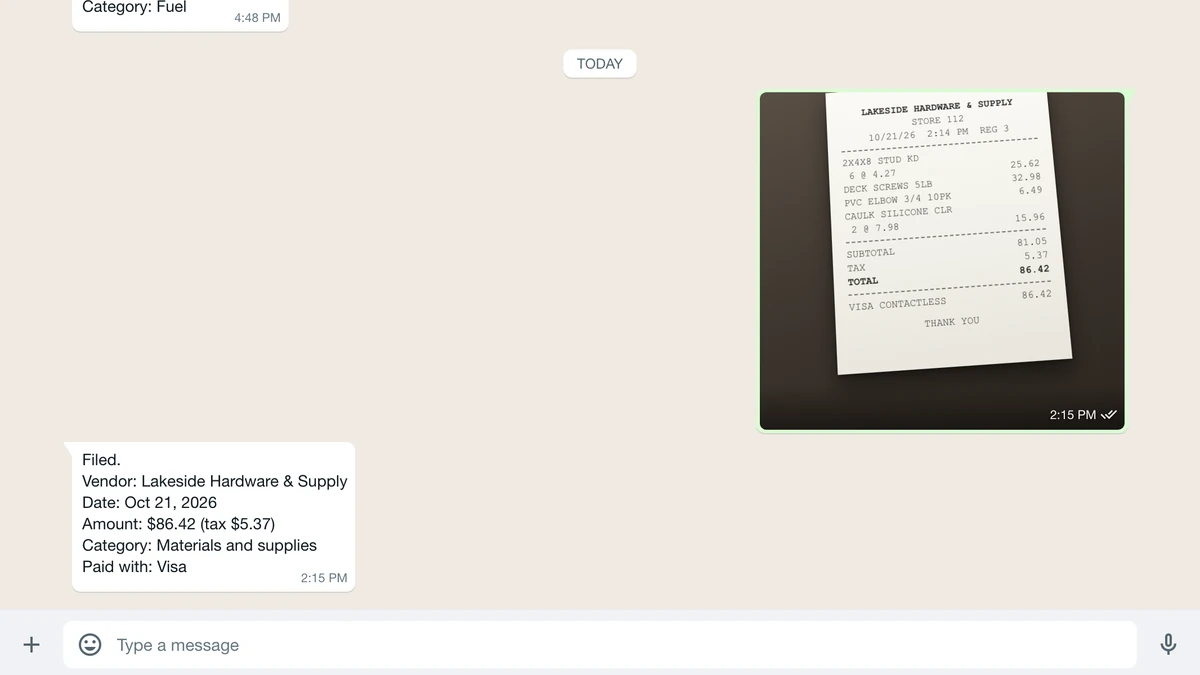 Rebuilt on test data
Order emails landed while he was out on inspections, and the accept link waited.
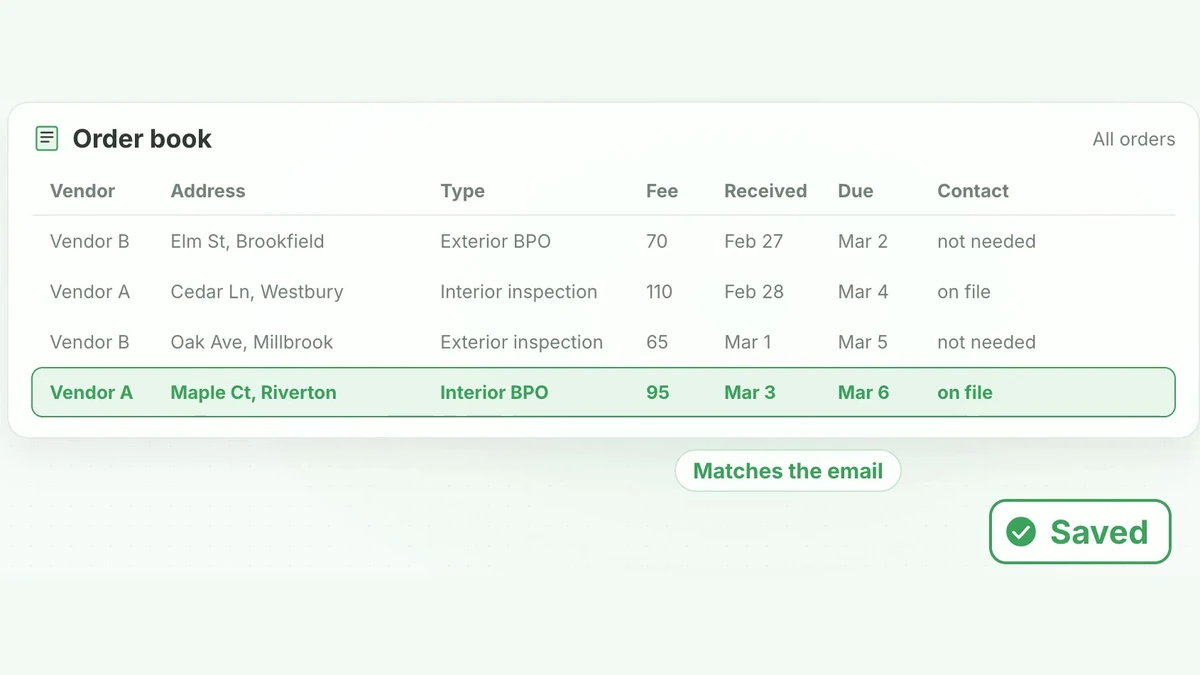 Has a video, 1 minute 8 secondsRebuilt on test data
Property inspector